See what is next
The menu bar view keeps the next meeting and its start time close while you work.
Google Calendar menu bar for Mac
See your next meeting, open your schedule, and reach the join link without keeping a full calendar window or browser tab in front of you.
Free plan available. Built for macOS and Google Calendar.
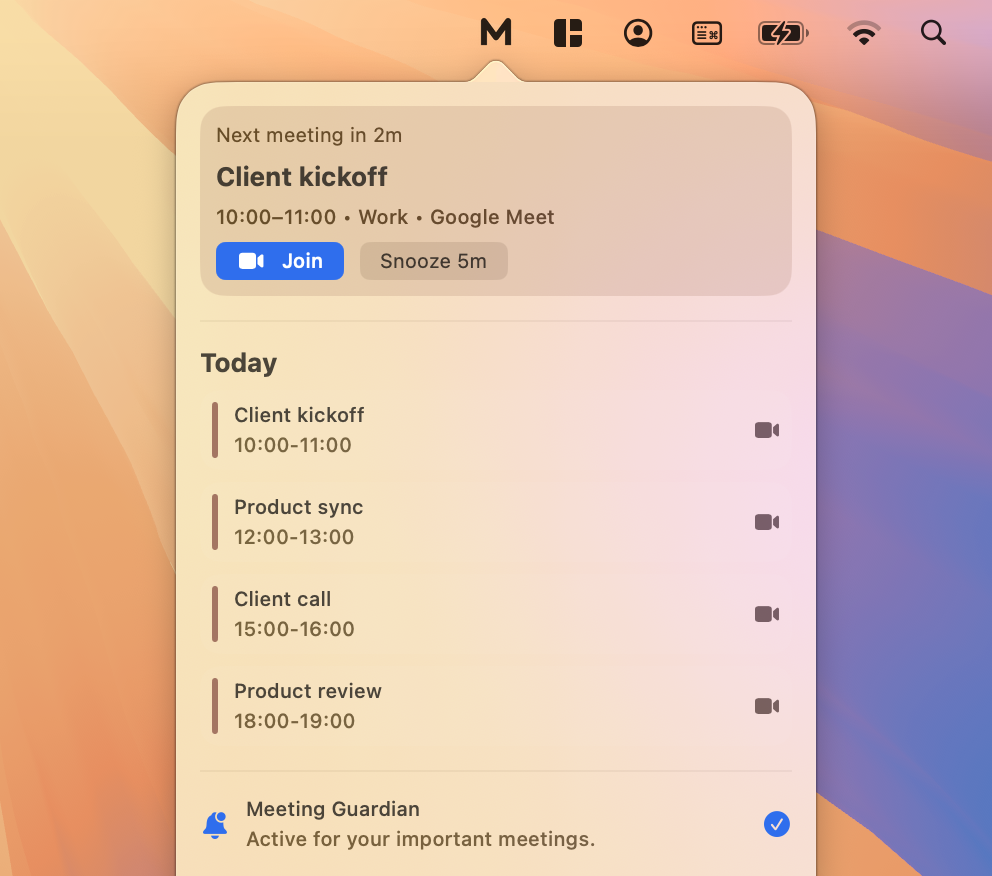
The menu bar view keeps the next meeting and its start time close while you work.
Check the upcoming schedule without switching to a full calendar app for every glance.
Use Google Meet, Zoom, or Microsoft Teams links already present in calendar events.
From glance to call
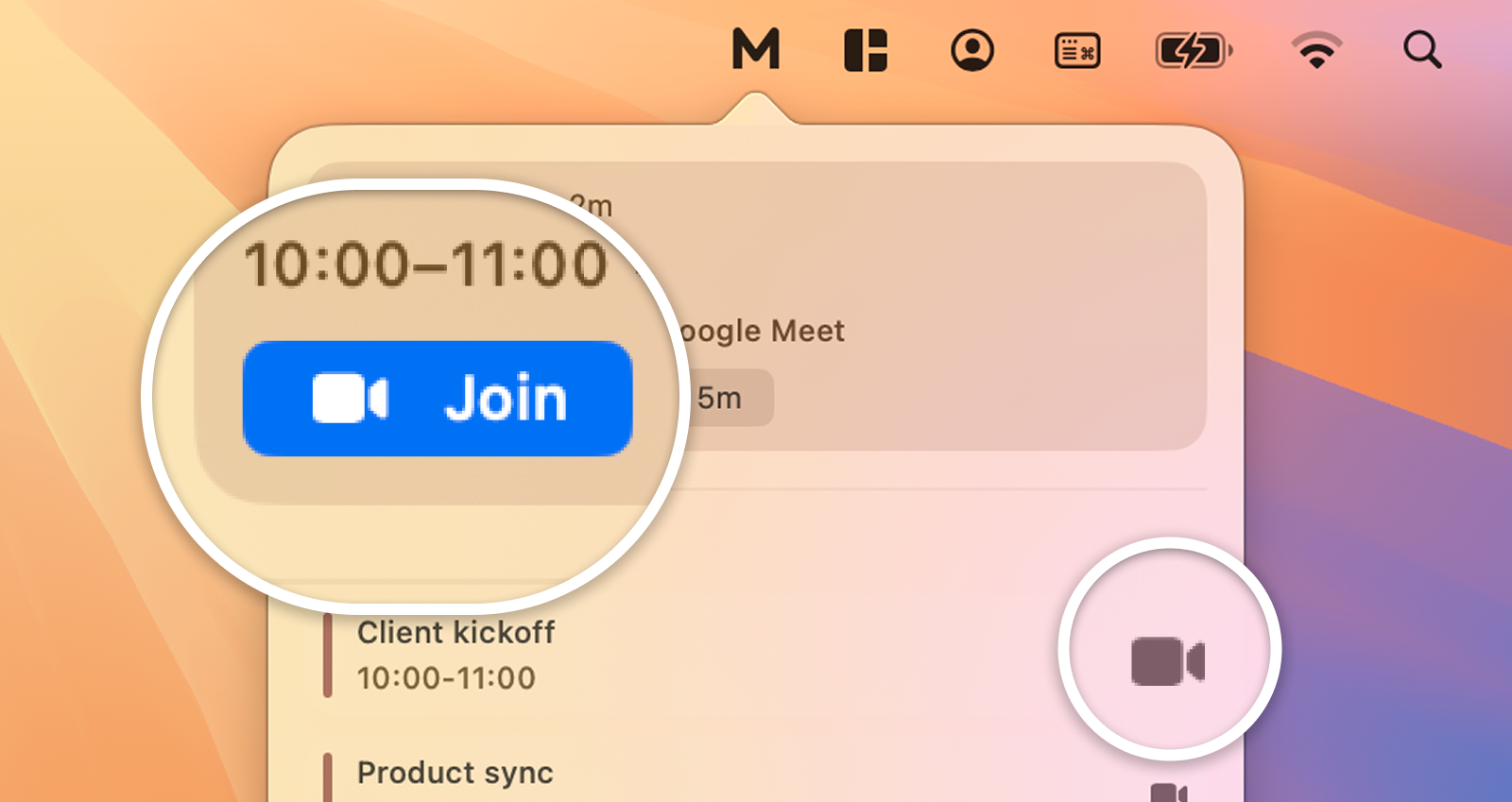
Meety reads the conferencing link already saved in the Google Calendar event and surfaces a clear join action. There is no need to reopen the event, scan its description, or search a chat thread as the call begins.
One lightweight layer
Keep your existing calendars and add a Mac menu bar workflow for the moments when you need to see, join, or prepare for the next call.
Use your existing Google Calendar setup rather than rebuilding a schedule in another calendar.
Use the calendars you connect to keep agenda views, join links, reminders, and calendar changes available in the Mac app.
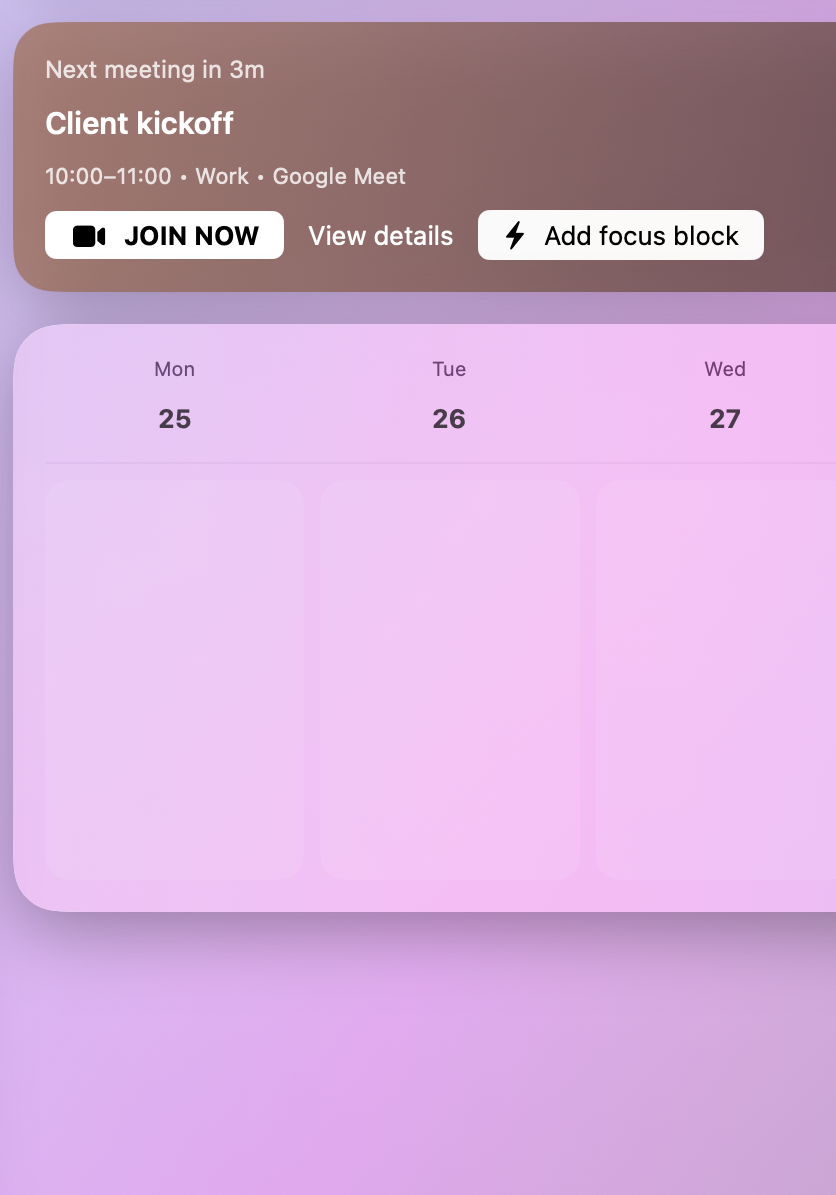
Check what is next, join a call, or snooze a reminder from the meeting-first interface.
Next-meeting visibility
The upcoming view combines schedule context with the next meeting, so a quick menu bar check can answer two practical questions: what starts next, and when do you need to switch out of the task in front of you?
FAQ
Yes. Meety puts your Google Calendar schedule and next meeting in the macOS menu bar, so you can check what is coming up without opening a full calendar window.
No. Meety is a meeting-focused layer on top of Google Calendar. You keep your existing calendars and use Meety for menu bar visibility, reminders, agenda views, and meeting join actions.
Meety surfaces Google Meet, Zoom, and Microsoft Teams links when those links are present in your Google Calendar events.
Yes. The Free plan includes the core menu bar calendar, upcoming meetings, quick join support, and standard reminders.
Meety uses Google sign-in and the calendars you connect to keep reminders, join links, agenda views, and calendar changes available in the Mac app. Read the Privacy Policy for current data-processing details.
Keep Google Calendar close, find the join link faster, and stay ready without opening a full calendar.